
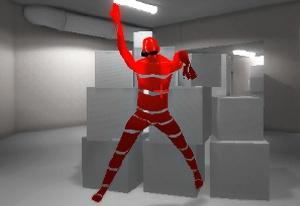
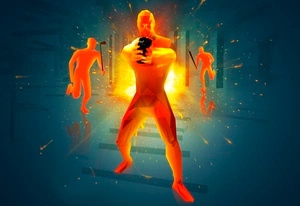
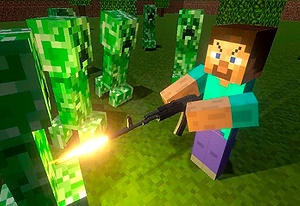

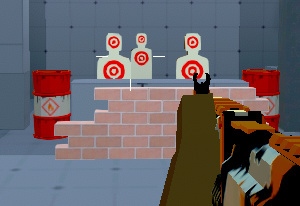
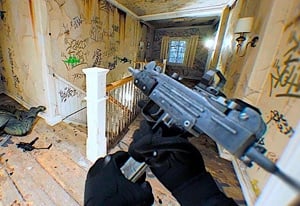
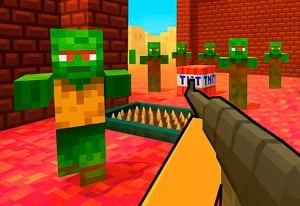
Quick Controls
- WASD → Move. Choose a route for the active mode.
- Mouse movement and left-click → Aim and shoot. Use the current weapon role.
- Right-click → Focused view. Inspect the selected target.
High Score Tips
- Read the lobby's actual mode before applying battle-royale habits.
- Recognize the selected slot after acquiring equipment.
- Choose equipment for the objective you are about to play.
Read the Nations match type, choose a weapon role, and connect the gunfight to team or individual scoring.
- Classification
- FPS
About Mini Royale
Mini Royale: Nations combines a browser FPS with a progression layer of quests, customization, and team organization. Nations includes Team Deathmatch, Capture the Flag, and Free For All; check the lobby for the modes currently available. The active mode determines whether the next fight serves team eliminations, a flag route, or individual scoring.
Start with the objective of your selected mode. A Capture the Flag route needs to serve the flag task, while Team Deathmatch and Free For All reward different target priorities. Choose a weapon role, keep the objective route relevant, and read the progression screen separately from the immediate match.

How to Play Mini Royale
Contribute to the selected Nations match objective through team eliminations, flag play, or individual scoring.
- Choose a mode in the Nations lobby and read its objective.
- Choose a weapon role and a route that supports eliminations or the flag task.
- Move, aim, and fire at opponents relevant to the current objective.
- Review quest and customization progress after the match before choosing another task.
Controls & Timing
Mode names are not interchangeable
Team Deathmatch and Capture the Flag reward different positioning. Read the active task before assuming a shrinking-zone survival rule.
Progression sits outside the immediate exchange
Quests and appearance choices give another reason to return. Use the reward details to choose which quest or appearance item you want to pursue next.
Controls
| Input | Action | When to use |
|---|---|---|
| WASD | Move | Navigate the active match. |
| Mouse movement | Aim | Identify the target. |
| Left mouse button | Shoot | Fire the current weapon. |
| Right mouse button | Focus | Inspect a selected shot. |
| Space | Jump | Navigate a useful height change. |
High Score Tips
- Match the route to the mode. In Capture the Flag, plan around the flag and return path. In an elimination-focused mode, choose a position that helps you engage the next opponent.
- Use the flag route in Capture the Flag. A distant pursuit may leave the actual task unserved even if it produces an elimination.
- Compare one weapon role in a familiar mode. Keep the task steady when judging equipment so the objective change does not hide the result.
- Read quest rewards independently. Choose a quest for its stated reward, then return attention to your weapon role and match objective.
Key Features
- Nations match framework: Team and individual objectives are distinguished.
- Capture-the-Flag context: The route can matter beyond target visibility.
- Quest progression: Post-match tasks support continued goals.
- Focused view: A selected target can receive closer attention.
Frequently Asked Questions
How do team and individual modes change my priorities?
In Team Deathmatch, work with teammates to score eliminations. In Capture the Flag, support the flag route and return path. Free For All puts the focus on your own engagements.
Which modes does Nations offer?
Nations includes Team Deathmatch, Capture the Flag, and Free For All. Choose a mode from the lobby and plan your first route around its objective.
Should I chase every visible opponent?
Consider what the pursuit does for the objective. In Capture the Flag, leaving a useful route to chase a distant opponent can let the flag task go unserved.
Are quest rewards guaranteed combat upgrades?
Check the reward details. Earning an appearance item through a quest does not by itself mean it adds damage or health; plan the next match around the effects the item actually lists.