

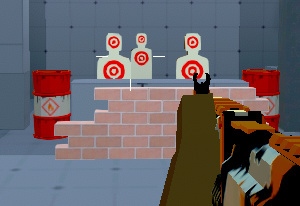
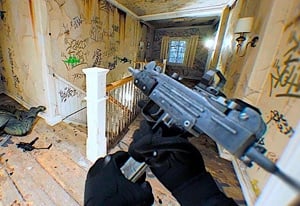
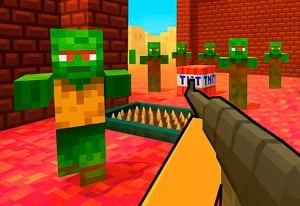
Quick Controls
- WASD or arrows → Move. Movement advances the fight.
- Left-click → Pick up or fire a weapon. Read the current held state.
- Right-click or R → Throw the weapon. Clear your hands for another option.
High Score Tips
- Deal with a nearby immediate threat before planning a distant shot.
- Check a visible bullet's path before stepping across it.
- Choose your next weapon before discarding the current one.
Read a slowed gunfight, pick up a useful weapon, and eliminate each threat with the movement needed to reach it.
- Developer
- GoGoMan
- Classification
- Slow Motion
About Time Shooter 2
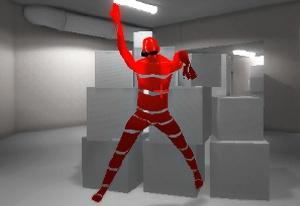
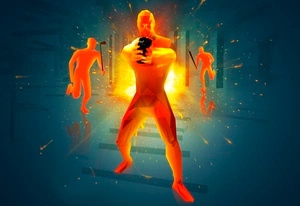
Time Shooter 2 turns a first-person shootout into a sequence of movement and equipment choices. When you stop moving, the action slows so you can inspect enemies and projectiles. Moving again develops the encounter, making every approach a decision about both position and time.
Weapons are found around the scene rather than selected through a permanent arsenal menu. The same left button picks up a weapon and fires it, while the right button or R throws it away. That small control scheme makes equipment state important: know whether your hands are empty, whether the next object is reachable, and which enemy will be able to act as you move toward it.

How to Play Time Shooter 2
Eliminate the enemies in the encounter without being defeated as movement brings their attacks forward.
- Read nearby enemies, gun carriers, projectiles, and accessible weapons while moving as little as necessary.
- Use left-click to collect a useful weapon, then identify a target with a clear line.
- Move far enough to create the shot and left-click to fire.
- When changing equipment, identify the replacement before throwing the held weapon and crossing to it.
Controls & Timing
A bullet is route information
A slowed projectile shows a direction you need to avoid. Plan a step away from its line rather than assuming that stopping removed the attack.
One button has two jobs
Left-click collects when a weapon is available and fires when one is held. Recognize the current state before interpreting an unexpected action as a missed shot.
Controls
| Input | Action | When to use |
|---|---|---|
| WASD or arrow keys | Move | Change position while advancing the scene. |
| Left mouse button | Shoot / pick up weapon | Attack or collect the next available gun. |
| Right mouse button or R | Throw weapon | Discard the held item to change equipment. |
High Score Tips
- Prioritize by what can hit next. A gun carrier across the room can matter, but a nearby attack may need the first response. Compare both before committing to a long route.
- Move across a projectile line deliberately. Use the visible path to choose a side and stopping point. Repeated small steps without a destination can carry you into the same shot.
- Treat a replacement as a route. Throwing a weapon is only the first part of switching. Check how you will reach the next one and which enemy can interfere.
- Avoid relying on an optional ad reward. A normal encounter plan should work with the equipment and protection actually active, rather than assuming a temporary bonus is always available.
Key Features
- Movement-controlled pacing: Position changes also progress enemy action.
- Visible projectile decisions: Slowed attacks help you plan the next step.
- Scene-based equipment: Nearby weapons become part of the route.
- Weapon throwing: R and right-click provide a deliberate disposal action.
Frequently Asked Questions
Can I reload with R?
R throws the weapon. Identify another usable item before discarding what you hold so an attempted reload does not leave you unexpectedly unarmed.
Is every distant enemy the first priority?
Check immediate danger first. A nearby attacker or projectile may demand a response before you can safely arrange a shot on a distant gun carrier.
What should I do before picking up another weapon?
Locate it and plan the approach. Check the path of incoming attacks and the enemies that will act while you cross to the item.
Does this version include the hostage task from Time Shooter 3?
Time Shooter 2 focuses on clearing enemies through movement and weapon choices. Time Shooter 3: SWAT adds hostage rescue and armored attackers.